
Teach more.
Plan less.
NextGuro is the AI teaching studio for Filipino teachers and college instructors — lesson plans, visual aids, group activities, quizzes, and live online classes, all in one place.
- DepEd ILAW & MATATAG aligned
- PPST & RPMS ready
- DOCX · PDF · PPTX export
- For K-12 & college
Joined by thousands of Filipino educators
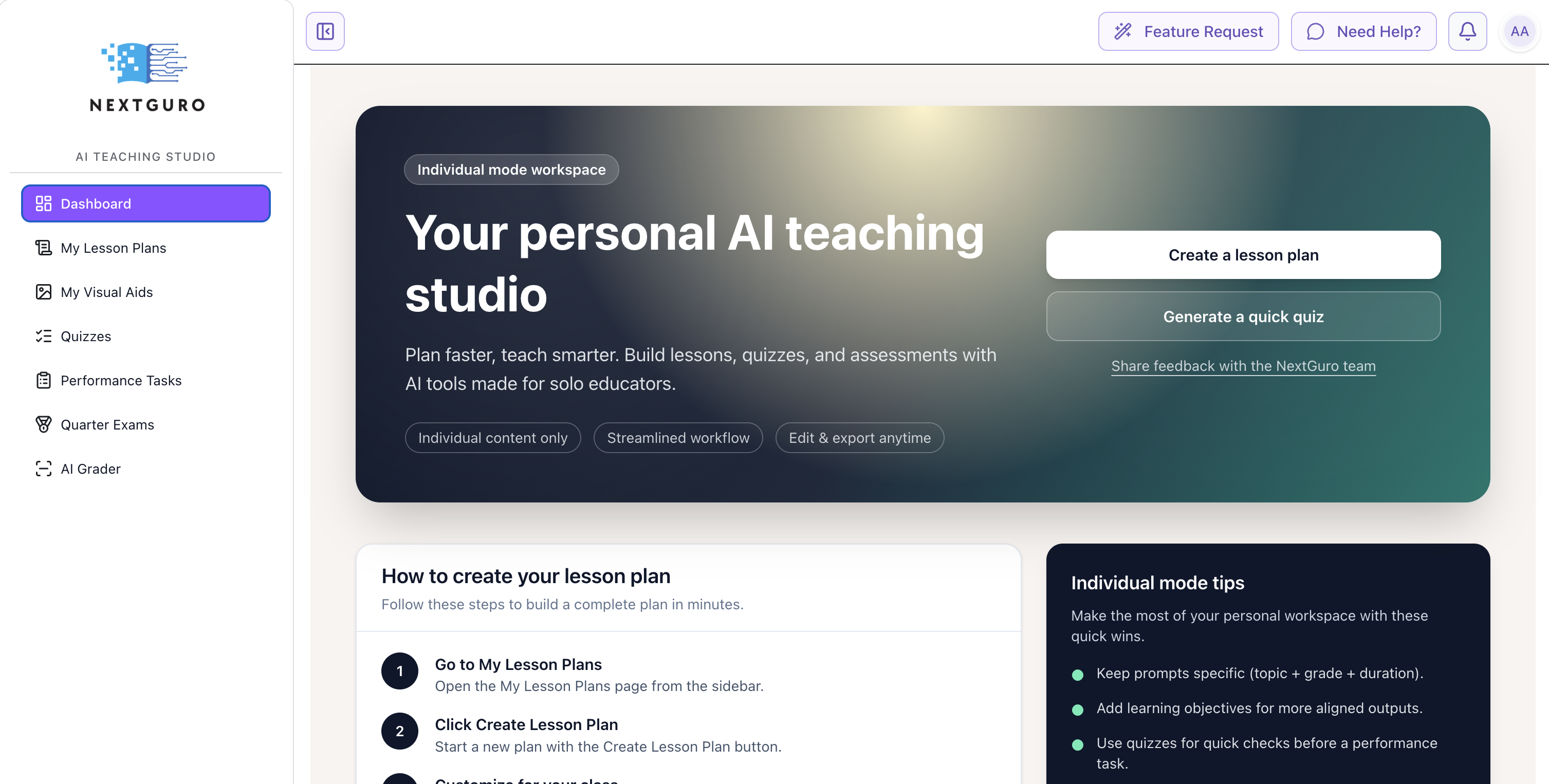
10k+
Filipino teachers
30s
Avg. lesson plan draft
100%
DepEd-aligned structure
24/7
AI teaching co-pilot
From topic to classroom-ready in three steps
No templates, no blank pages. NextGuro drafts a complete, standards-aligned plan while you finish your coffee.
Tell NextGuro the topic
Pick subject, grade level, and class profile. 20 seconds.
AI drafts the whole plan
Objectives, activities, quizzes, visual aids, and PPST tags — auto-generated.
Export and teach
DOCX, PDF, PPTX, or printable quizzes. Everything is ready for Monday.
One platform for your entire teaching workflow
From curriculum planning to classroom management — NextGuro covers every part of the lesson lifecycle.
AI Lesson Plans
K-12 · College · ILAW · MATATAG · PPST
Structured, DepEd-aligned lesson plans for K-12 and outcomes-based plans for college. Draft in seconds — edit, export, and print.
Edit Lesson Plan
Lesson Plan Configuration
Overview of your lesson plan settings
Class
8 — Talisay
Plan Type
Multiple sessions
Topic
ImportantSolving Systems of Linear Equations in Two Variables
Format
4AQuarter
Q2
Week
Week 3
Lesson Plan Days
Day 1
Show a real-world problem: "Maria has twice as many coins as Juan…" (5m)
🗣️ SAY THIS — "What do you notice? What are we trying to find?"
Guide students to define variables and write the system of equations. (8m)
Pedagogy Metadata
Students formulate the general rule for solving by substitution. (10m)
Quiz & Exam Generator
Generate MCQs, fill-in-the-blank, true/false, and essay questions directly from your lesson objectives. Review, edit, and print student-ready quizzes in seconds — no manual writing required.
Live Online Quiz
Share one link — students join from any phone or laptop, no accounts needed. Start the session when everyone is ready, watch submissions roll in live, and get instant auto-graded results with per-question analytics.
Visual Aid Studio
AI-generated diagrams, charts, and illustrations tied to each lesson activity. Projector-ready and sized for the classroom — you own the copyright and can download or embed them directly in your exports.
Auto PowerPoint
Turn any lesson day into a structured slide deck with one click. Slides follow your procedure sequence, include AI-generated visuals, and export as a standard .pptx file ready for the projector.
PPST & RPMS Ready
Every lesson activity is automatically mapped to PPST career-stage indicators. Built-in COT evidence tags and interaction logs give you a ready-made portfolio for RPMS observation and performance review — no extra paperwork.
Run live online quizzes — one link, any device
Share a single link with your class. Students join from their phone or laptop — no accounts needed. Start when everyone is ready, and get instant auto-graded results and analytics.
- 1
Share one link
Drop it in chat, on the board, or via QR — no accounts needed.
- 2
Watch students join
Live roster shows who is in, ready, and waiting to start.
- 3
Start and grade
Launch when ready. Auto-graded results and analytics in seconds.
Math 8 — Equations Quiz
Q2 · Week 3 · 20 items
18
Submitted
23
Total
76.4%
Class avg
Share with students
Students
23Maria Reyes
Juan Cruz
Ana Lim
Pedro Dela Cruz
Tab switched
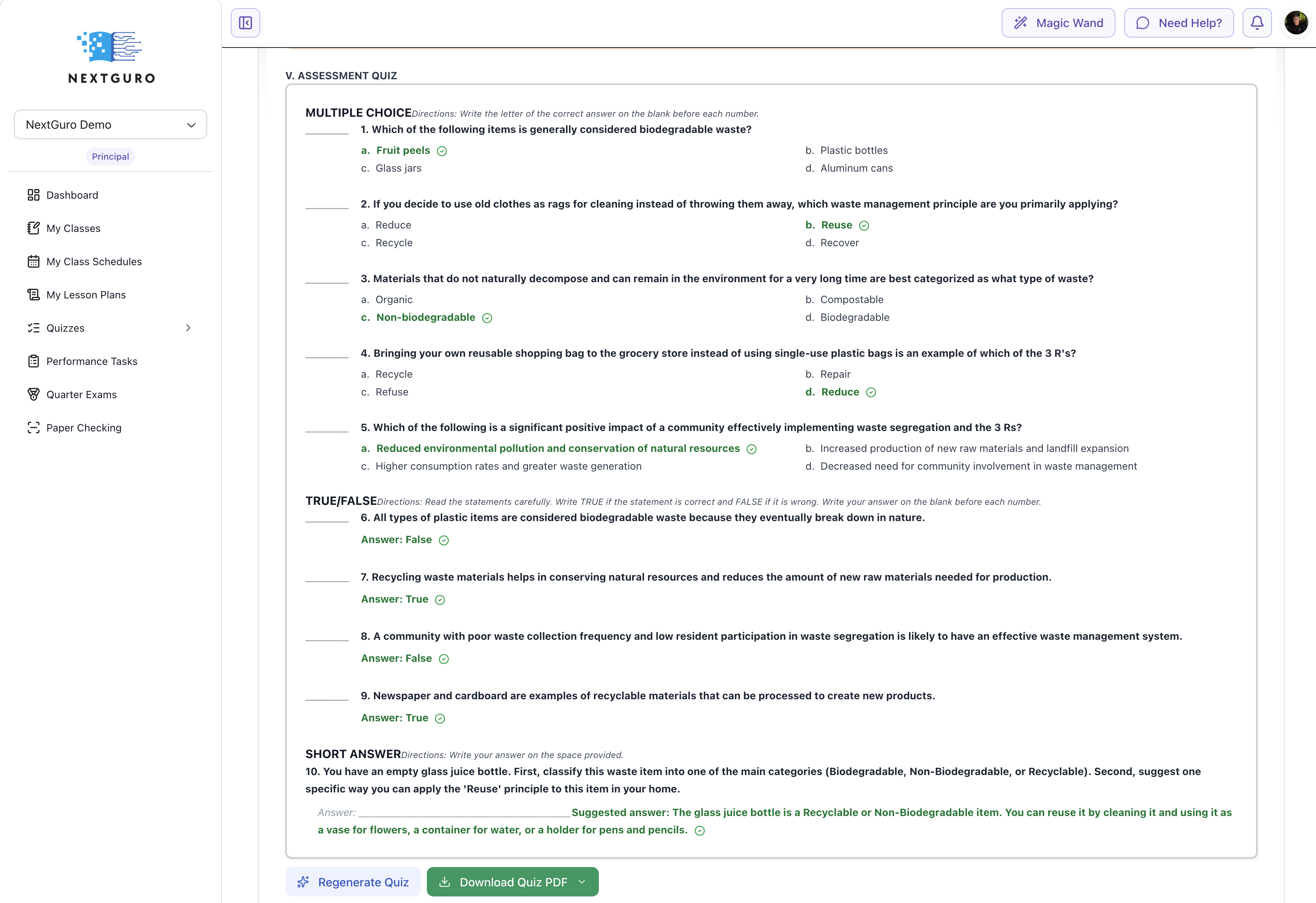
Generate quizzes from your lesson plan in seconds
NextGuro creates objective-aligned quizzes directly from your lesson plan. Pick your question types, review, and print — student-ready.
Question types
MCQ · Fill-in-blank · Essay
Export
PDF · Printable · Live
Alignment
Learning objectives
Grading
Instant auto-grade
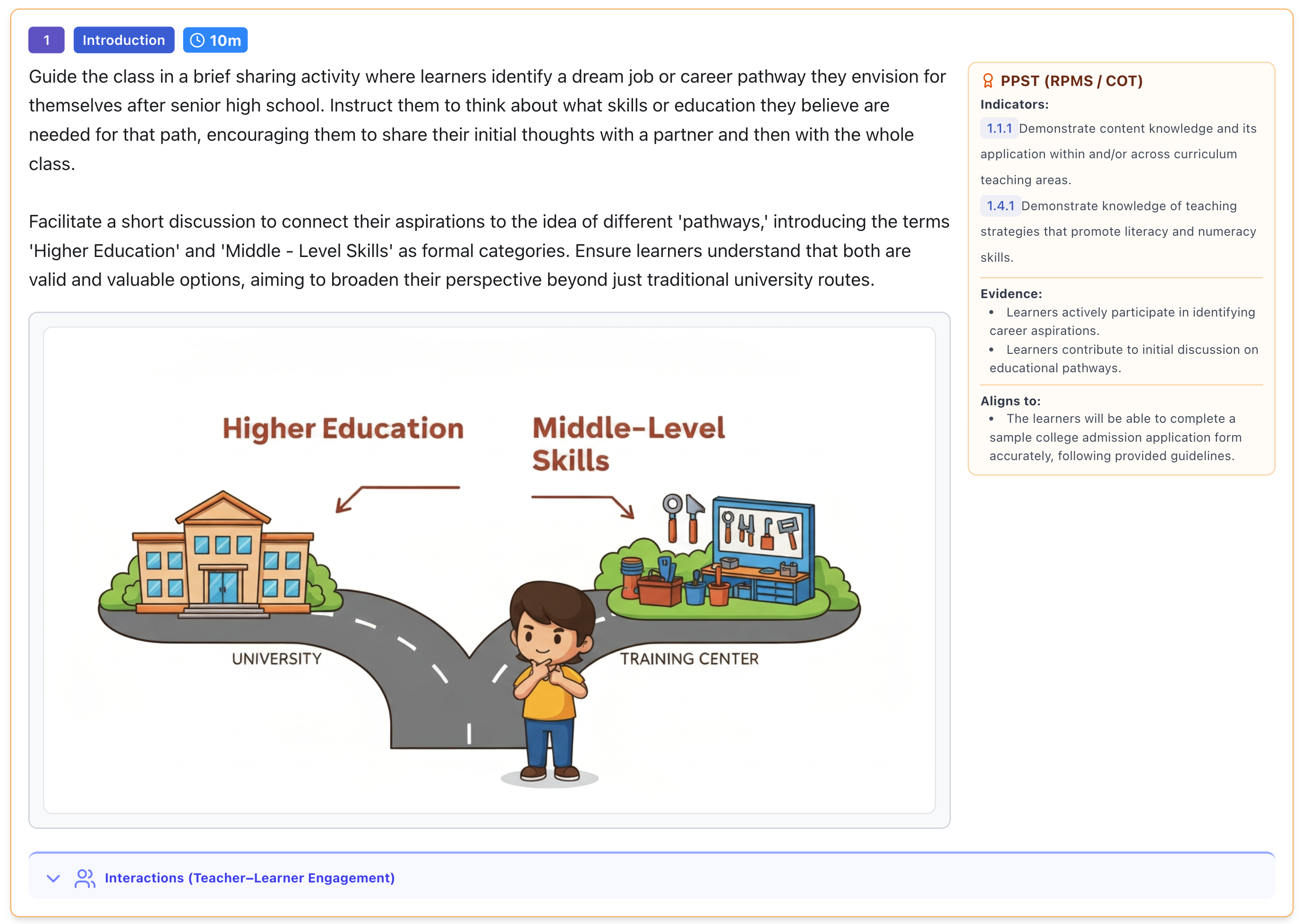
DepEd-ready lesson plans, aligned to ILAW & MATATAG
NextGuro builds structured lesson plans based on your grade level, learner profile, and topic — designed to align with DepEd standards while fitting real Philippine classrooms.
ILAW & MATATAG ready
New ILAW format (DO 3, s. 2026) plus MATATAG, DLL, 4A, 5E, 7E
PPST-tagged steps
Each activity mapped to PPST indicators for COT documentation
Observable evidence
Built-in RPMS evidence — no manual copy-paste
Differentiation baked in
Explicit support for learners with disabilities
Complete structure
Objectives, activities, assessments, and reflection
Outcomes-based college lesson planning, now live
Instructors can now generate outcomes-based, session-ready lesson plans for college subjects in minutes. Build modules with deeper topic explanations, clear assessment alignment, and practical activities for higher education.
-
College-ready structure
Tertiary-subject pacing with proper session structure.
-
Deeper topic treatment
Richer explanations and advanced examples for higher-education learners.
-
Assessment alignment
Quizzes and activities mapped to intended outcomes automatically.
Higher Education
Outcomes-Based Lesson Plans
Move from course objectives to classroom-ready session plans without rewriting everything from scratch each week.
Faster prep
More teaching, less formatting
Generate a full draft in seconds, then fine-tune tone, depth, and activities to match your class profile. Export as DOCX.
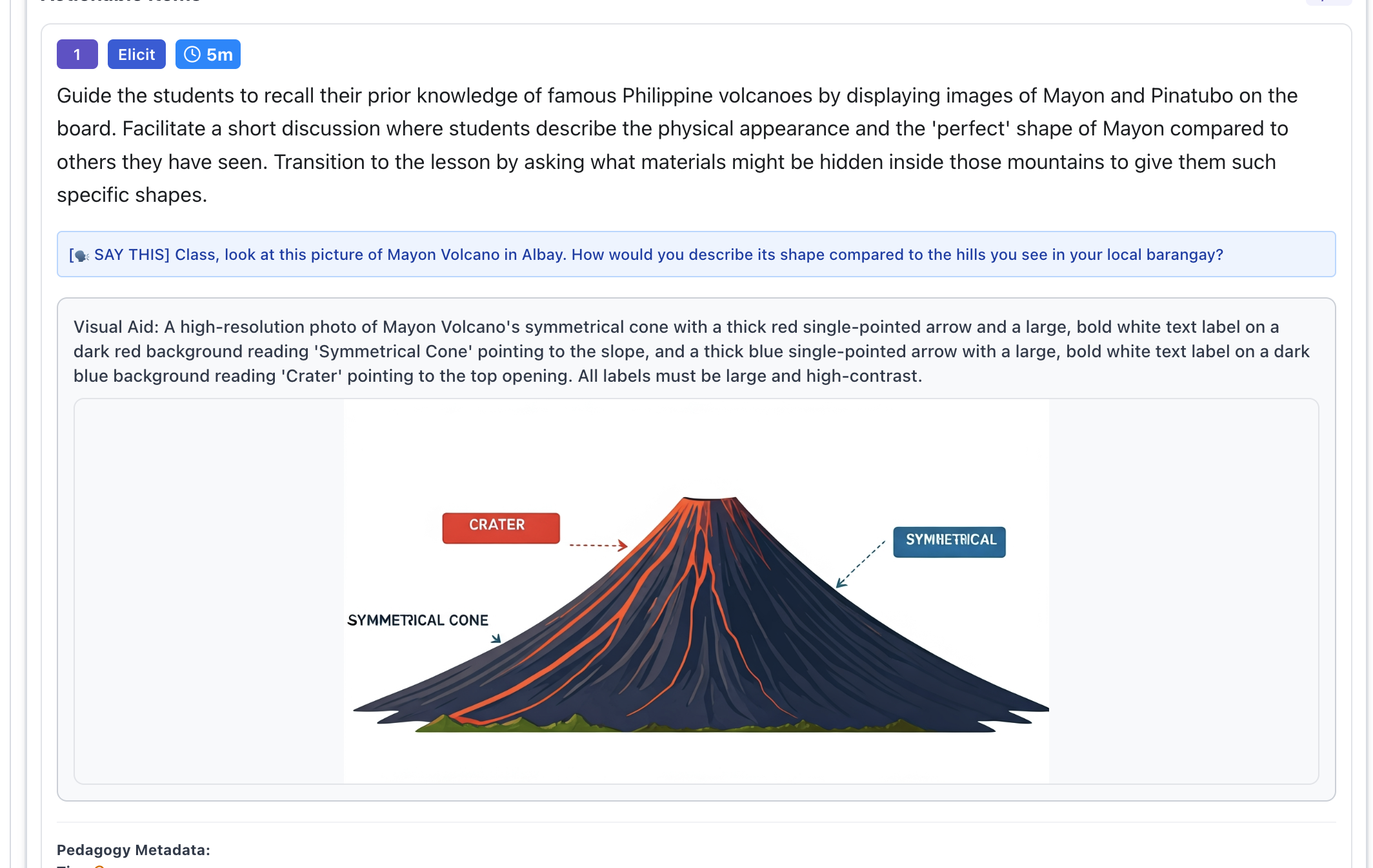
AI-generated illustrations, ready for your projector
Each lesson plan activity comes with an AI-suggested visual aid. Click Generate and NextGuro creates a custom 16:9 educational illustration — bright, clean, projector-ready. No design skills needed.
- 1
Select a lesson activity
- 2
Click Generate Visual Aid
- 3
Drop it into your PPTX
- ✓
You own every image — full copyright
You own every image you generate
Full copyright, no restrictions — use, print, share, or publish freely in your classroom, reports, or presentations.
Managed Plans for your
entire school
Equip every teacher — one invoice, centralized control, and exclusive school features including attendance tracking, online exams, and school-wide analytics.
- One unified billing account
- Centralized class management
- Live attendance tracking
- Online quiz & exam delivery
- Advanced analytics dashboard
- Priority support & training
Custom pricing
Tailored to your school
Pricing based on the number of teachers and usage. We'll build a plan that fits your school's budget.
We respond within 24 hours
Frequently asked questions
Does NextGuro support the new DepEd ILAW lesson plan format?
Yes. NextGuro now supports ILAW (Intentions, Learning Experiences, Assessment, Ways Forward) per DepEd Order 3, s. 2026 — including the required Declaration of AI Use on every generated plan. ILAW is the new default for K-12 plans.
Is NextGuro aligned with DepEd MATATAG and PPST?
Yes. Every K-12 lesson plan follows ILAW or MATATAG structure and automatically maps activities to PPST indicators, so your COT and RPMS documentation is ready alongside the plan. Older formats (DLL, 4A, 5E, 7E) remain available during the transition.
Can I use NextGuro for college and tertiary subjects?
Yes. College lesson planning is live — generate outcomes-based, session-ready plans with deeper topic treatment and assessment alignment for higher education.
Do my students need accounts to join a live quiz?
No. Share one link, students enter a name, and they are in. Works on any device — phone, tablet, or laptop.
Who owns the visual aids NextGuro generates?
You do. Every image you generate belongs to you — use it freely in class, reports, or anywhere you need, with full copyright.
How do I get started with NextGuro?
Sign up and top up AI credits to start generating lesson plans, quizzes, and visual aids. Credits start at ₱149 and never expire — use them at your own pace. Schools can also inquire about managed plans with per-seat billing.
Give your class the energy it deserves.
Let AI handle the paperwork so you can focus on what matters — teaching.
No credit card required.